UI Controllers
2 controllers available for UI workflows.
How controllers fit into a chain
Controllers decide whether connected sensor results are allowed to continue. They keep conditions separate from the actions that follow.
- Connect one or more Sensors.
- Choose the logic mode or script module.
- Connect the Controller output to the Actuators that should run.
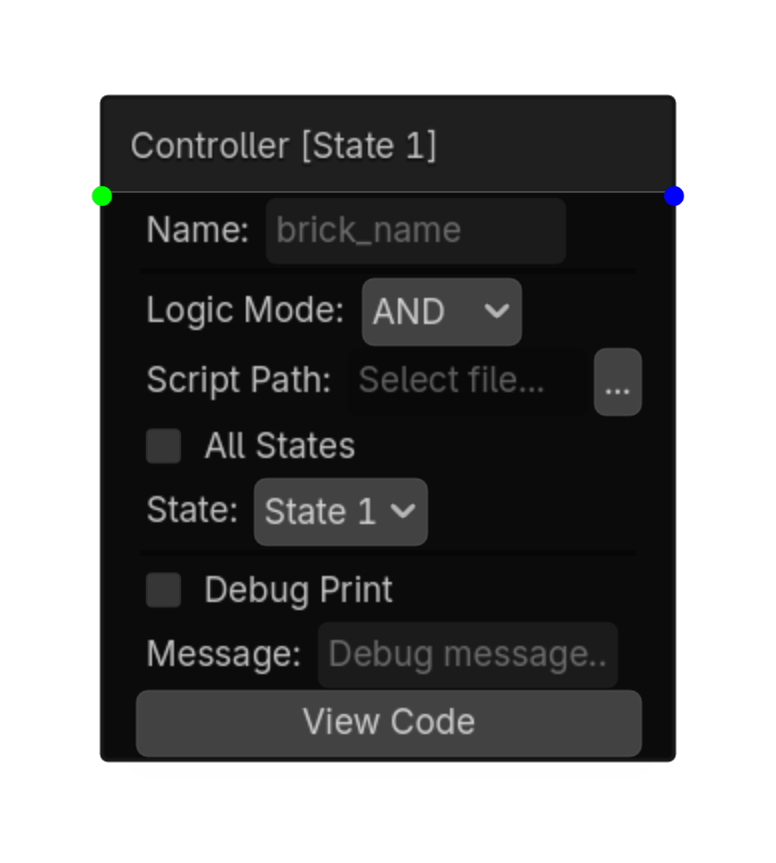
Controller
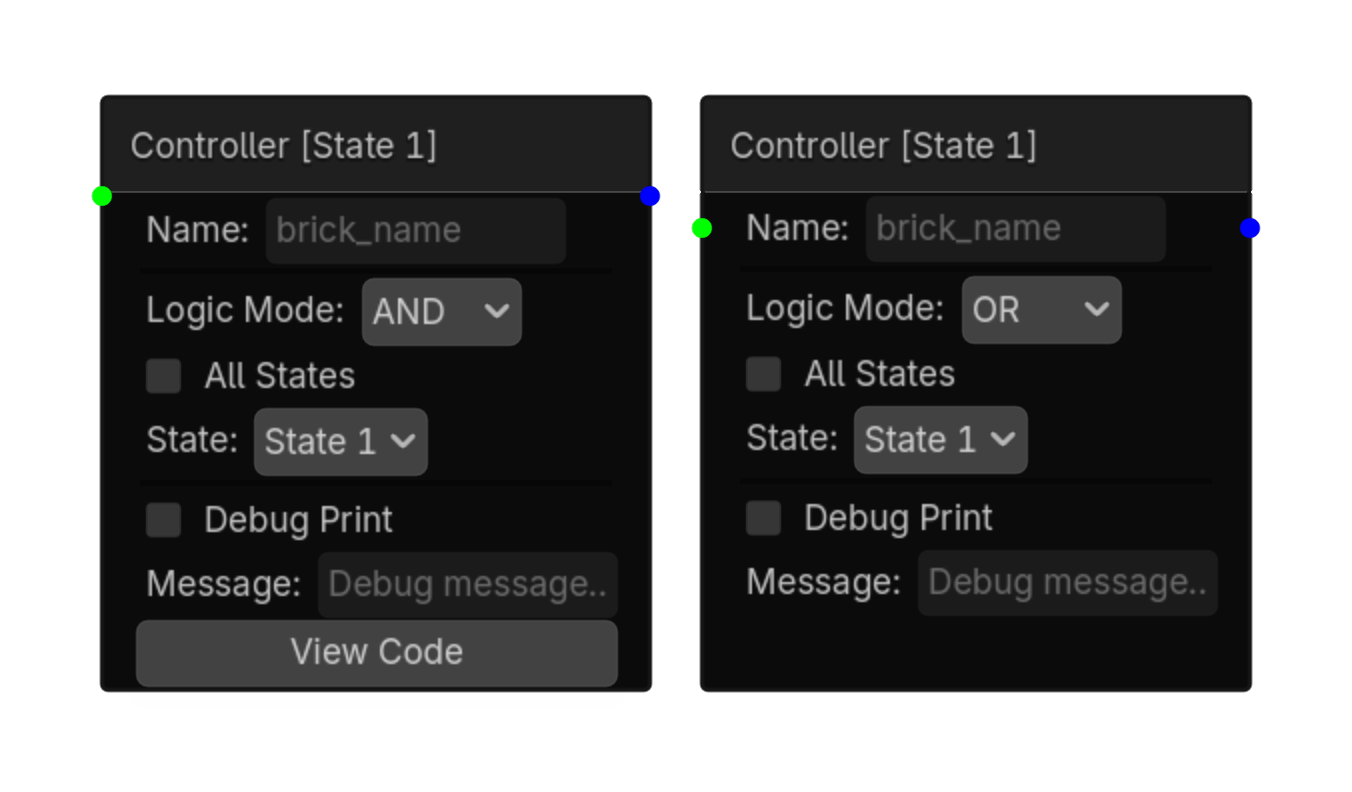
AND: all connected sensors must be active OR: any connected sensor must be active NAND: NOT all sensors active (fires unless all are true) NOR: NO sensors active (fires only when all are false) XOR: exactly one sensor is active
Options
| Property | Details |
|---|---|
logic_mode
|
Logic Mode
Choices: AND,OR,NAND,NOR,XOR Default:
and
|
all_states
|
All States
Default:
false
|
state_id
|
State Id
Choices: __STATE_LIST__ |
Using this brick
Typical uses
- Combine one or more sensor results before actuators run.
- Keep decision-making separate from the actions that follow.
- Switch between AND, OR, NAND, NOR, and XOR without adding separate controller bricks.
Example chain
Script Controller
Works like UPBGE's Python Controller (module mode): - Point to a .gd file - That file defines a top-level function: func run(node: Node) -> void: - When the sensor fires, run(node) is called — node is the scene object Example script (my_script.gd): func run(node: Node) -> void: node.health -= 10 print("Health: ", node.health) The script does NOT need extends — it is called as a module, not instantiated.
Options
| Property | Details |
|---|---|
logic_mode
|
Logic Mode
Choices: AND,OR,NAND,NOR,XOR Default:
and
|
script_path
|
Script Path
Choices: *.gd |
all_states
|
All States
Default:
false
|
state_id
|
State Id
Choices: __STATE_LIST__ |
Using this brick
Typical uses
- Combine one or more sensor results before actuators run.
- Keep decision-making separate from the actions that follow.
- Call a small reusable GDScript module when visual logic needs custom behavior.
Example chain