
Get all the details you need about Blender's interface in one short video.

Learn the ins and outs of manipulating an object in object mode.

Learn everything you need to know about manipulating geometry in Edit Mode.
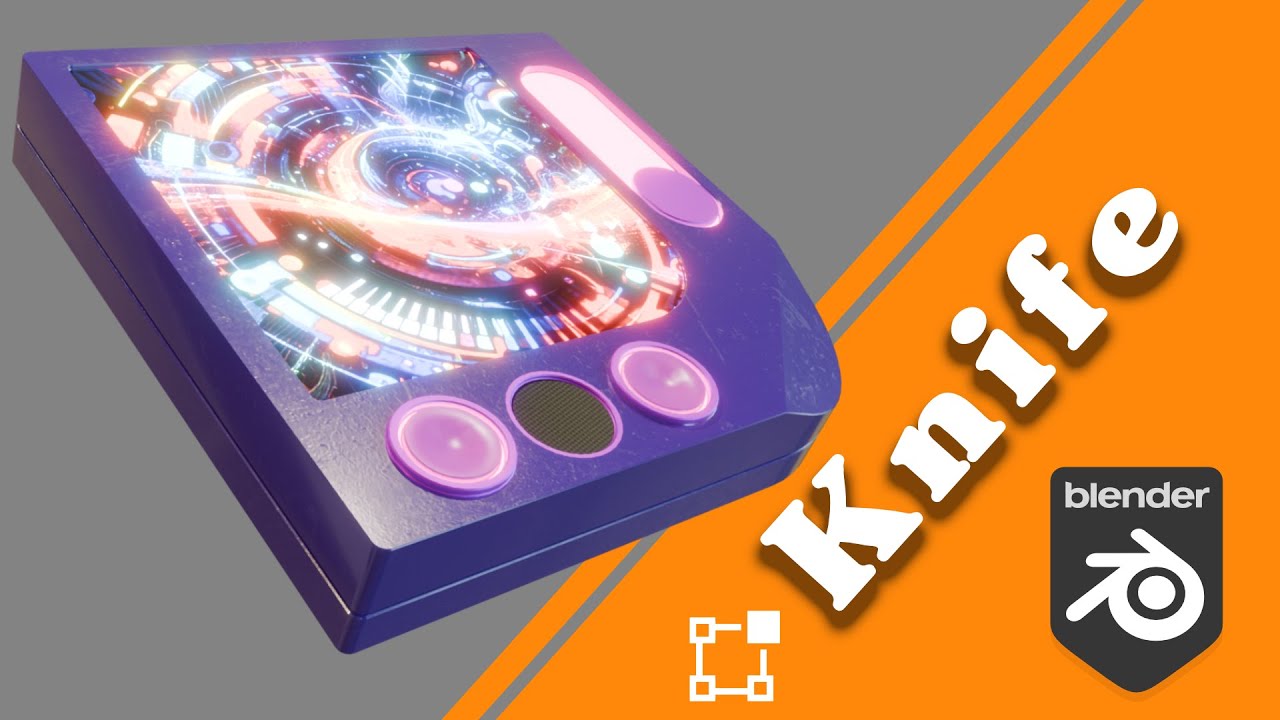
Make precise cuts, refine your models, and add custom details with the Knife Tool.

Learn the ins and outs of the loop cut tool for cleaner mesh topology.
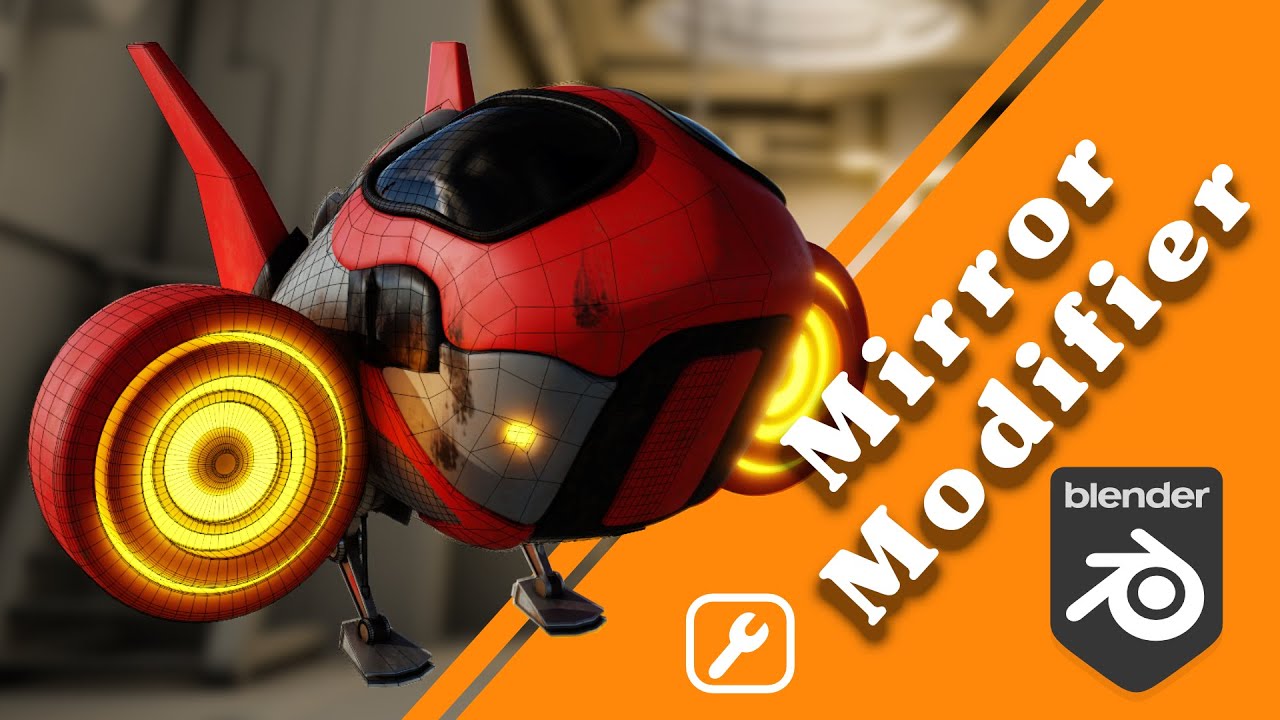
Create perfect symmetry and speed up your 3D modeling process.

Master Shift Select, Loop Select, Linked Select, and Shortest Path Selection.
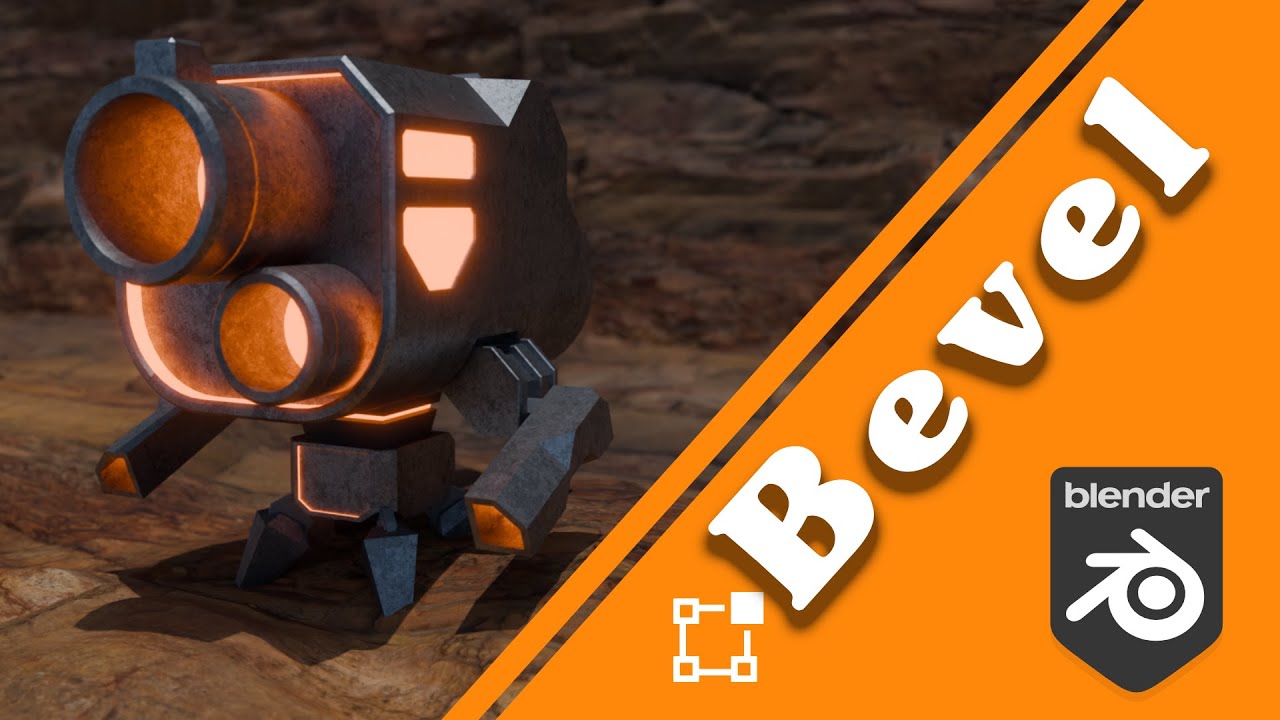
Learn the ins and outs of the Bevel tool in Blender.

Master the Extrude tool in Blender and start building 3D shapes with confidence.
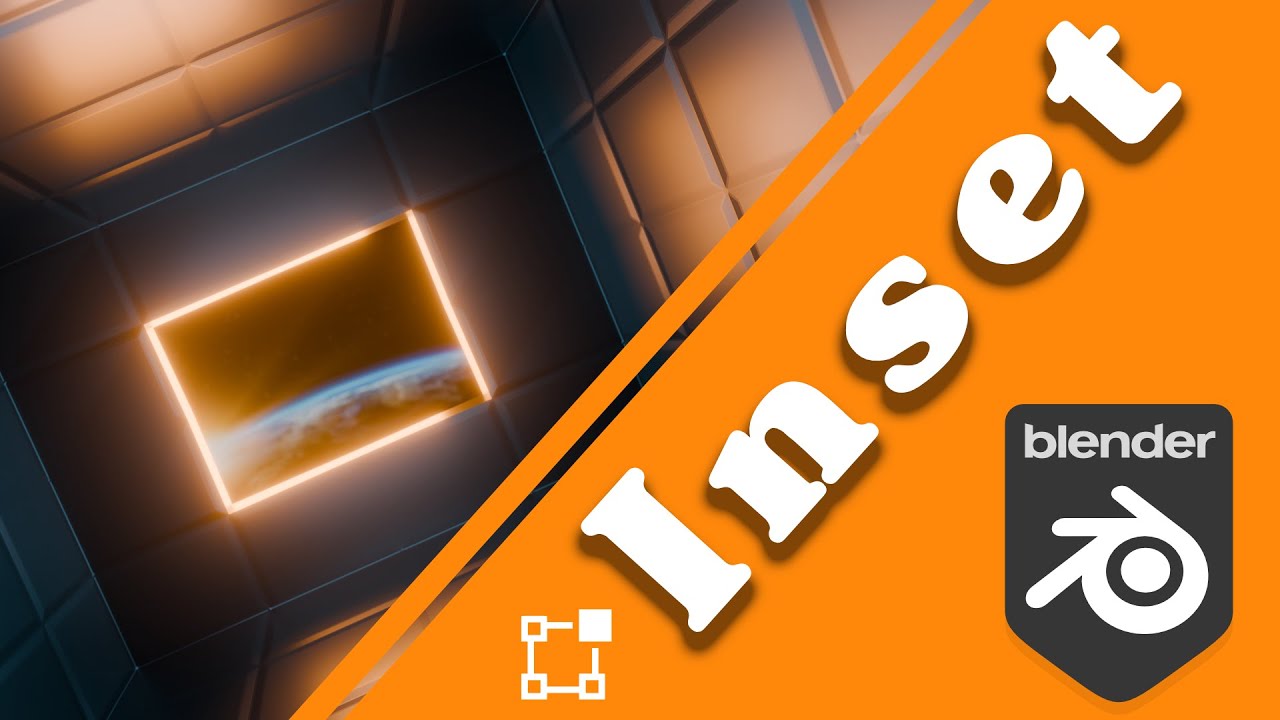
Learn about the different options inside the Inset tool.

Learn about Blender's different Fill tool options including Bridge Loops.

Smooth your 3D models and add detail using the Subdivision Surface Modifier.

Create smooth, clean edges and improve your 3D models with the Bevel Modifier.
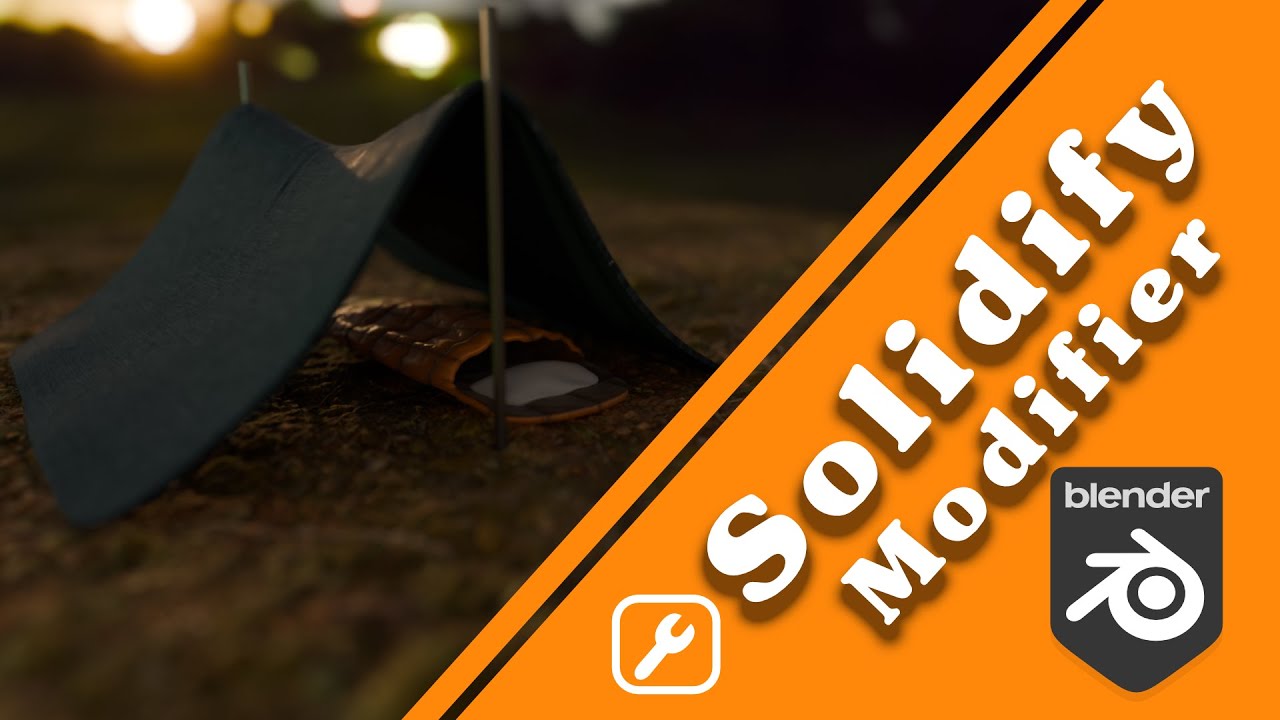
Use Blender's Solidify Modifier to add thickness to your 3D models.

Cut, combine, and intersect objects to create complex shapes with the Boolean Modifier.
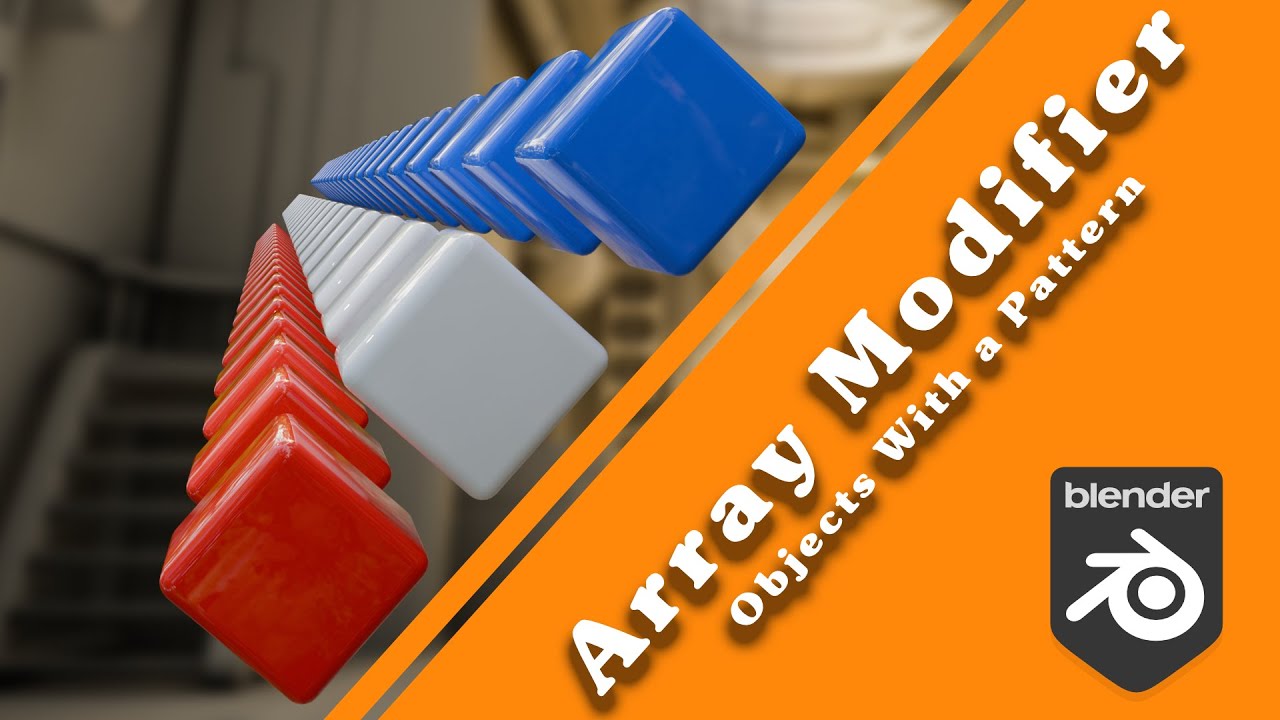
Learn how the Array Modifier works to duplicate and arrange geometry in Blender.

Learn how to use Blender's Skin Modifier to generate mesh from edges and vertices.
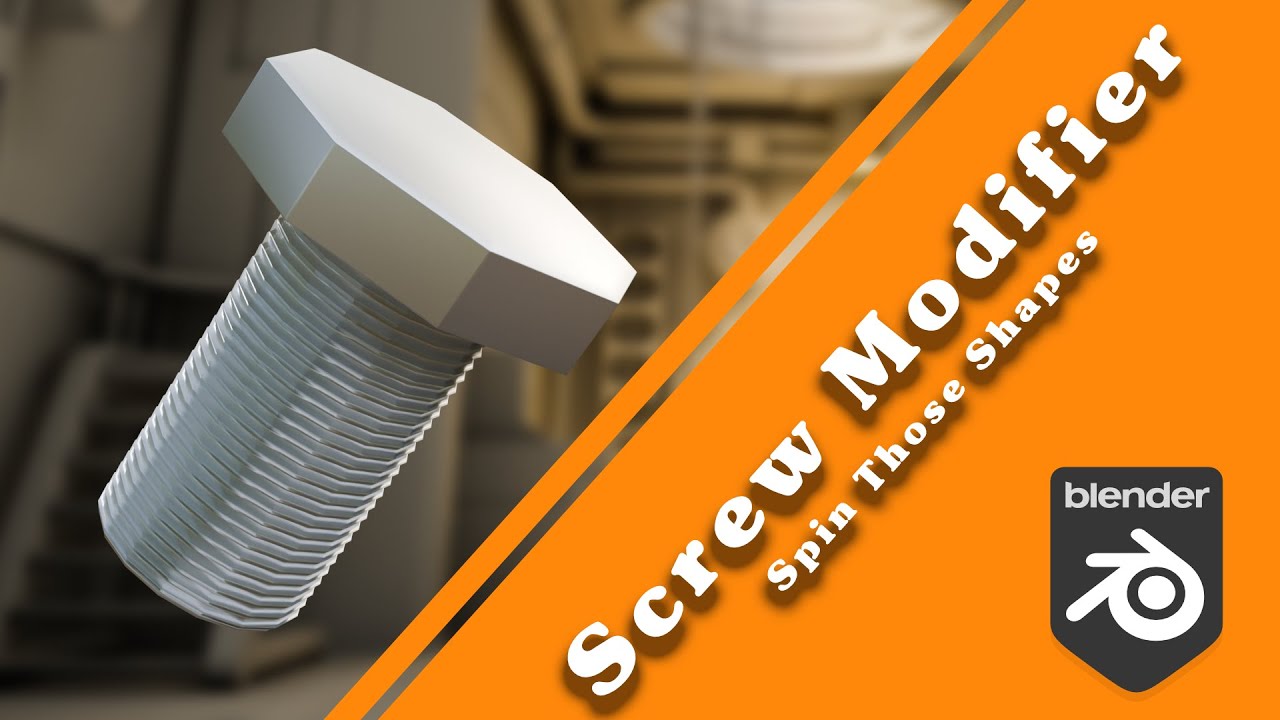
Learn how to use the Screw Modifier in Blender to spin profiles into 3D forms.

Learn how to use the Lattice Modifier in Blender to deform objects non-destructively.

Learn to bend your objects with the Curve Modifier in Blender.
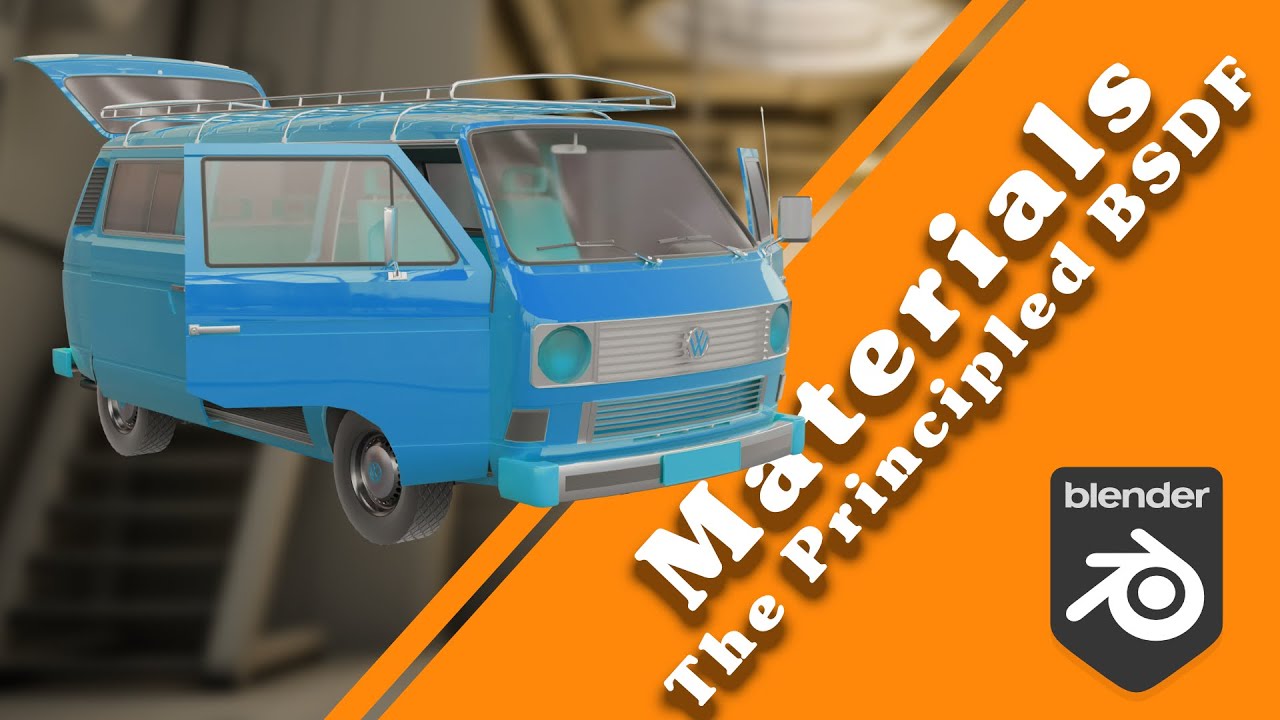
Get the basics of the Principled BSDF shader — make everything from rubber to glass.
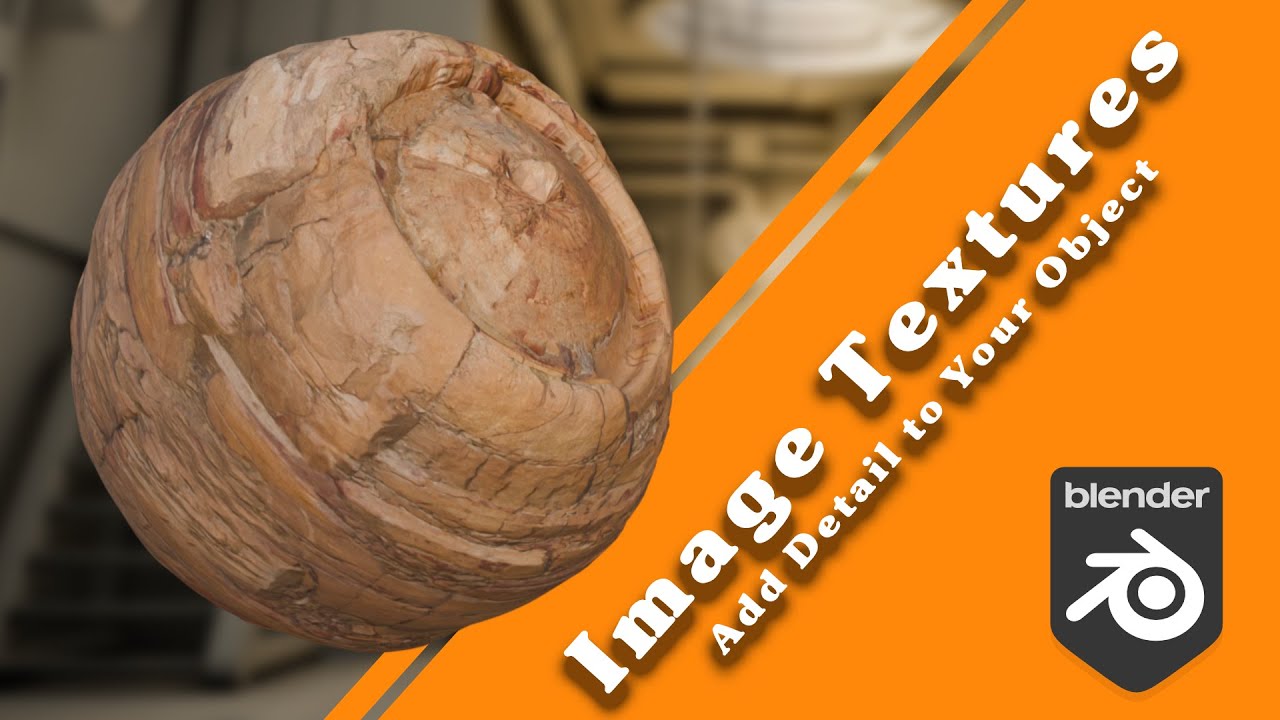
Learn how to set up basic materials with image textures in Blender.
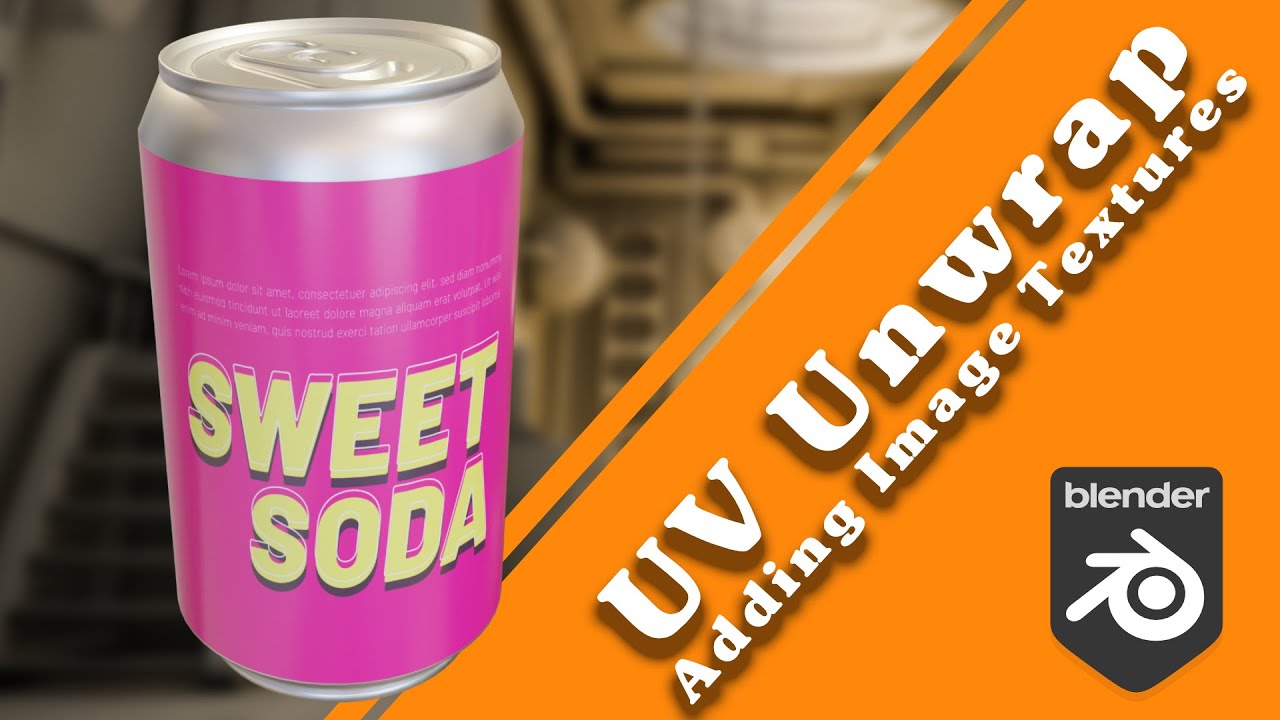
A short video that explains UV unwrapping and adding textures to your 3D models.

Everything you need to get started with Grease Pencil — drawing, layers, strokes, and key tools.